
A quiet reading ritual, a welcoming desk or a spot for making things. Choose a little companion for it.
Rendered from the downloadable model · Edit in your browser · Physical print checks pending
BOOK LOVERS & SLOW SUNDAYS
A flower above the page, a tiny bookcase or a sunset in fine printed lines.
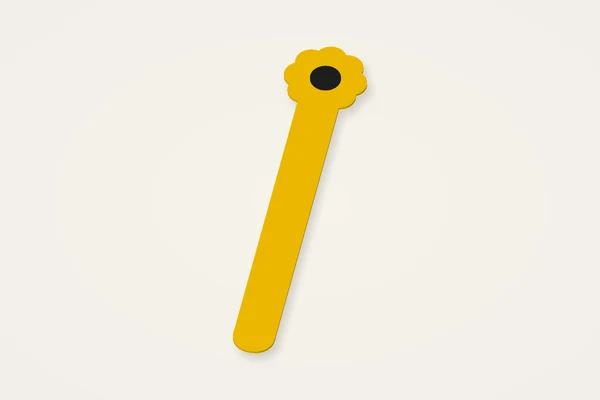
A slim blade with the whole flower above the page edge. Adjust the length.
Typical size: 26 × 125 × 1 mmMake it yours ↗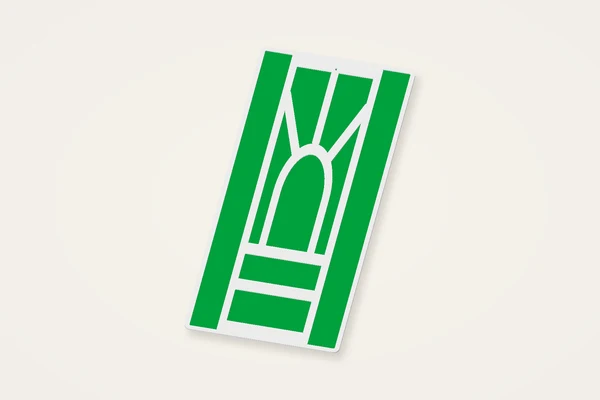
A tall sunset drawing with a thin printed fill. The lines are part of the file.
Typical size: 53 × 125 × 1 mmMake it yours ↗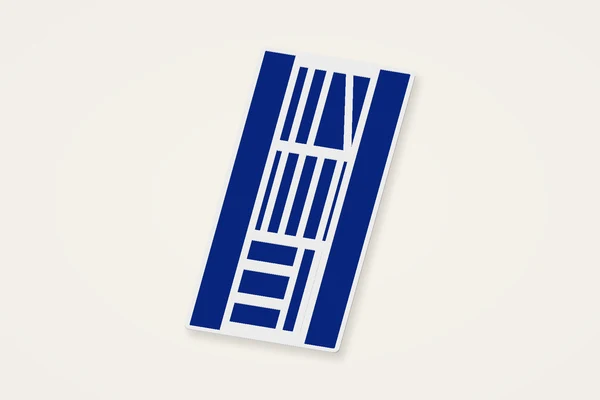
Stacked books and shelves in a slim patterned bookmark.
Typical size: 53 × 125 × 1 mmMake it yours ↗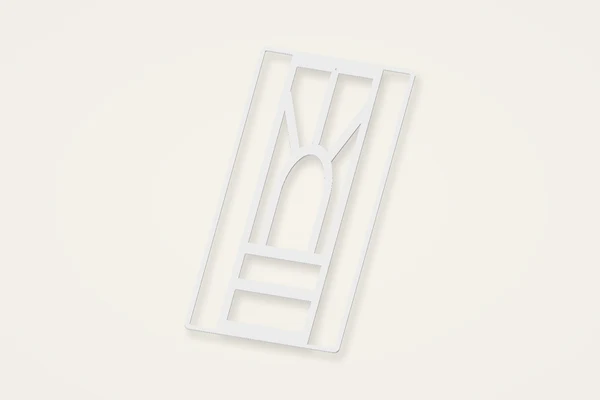
Open sunset cells for your own fabric insert; plan the pause in your slicer.
Typical size: 53 × 125 × 1 mmMake it yours ↗NEW DESKS & PERSONAL SPACES
Illustrated plaques with a clear name and a little room for encouragement.
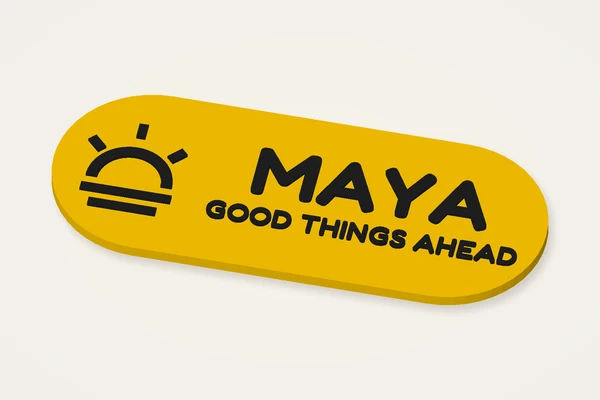
A sunrise on the left, your name and a hopeful message on the right.
Typical size: 120 × 48 × 4 mmMake it yours ↗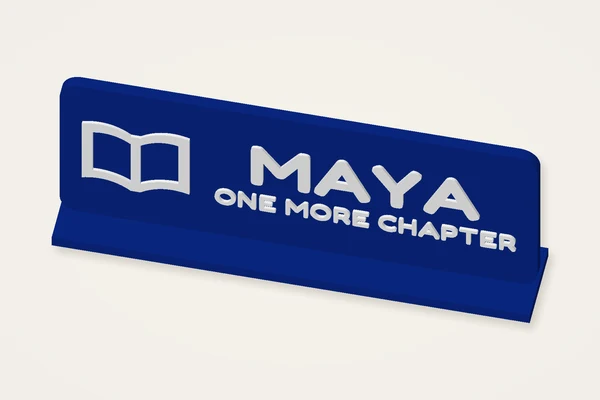
An open-book illustration on a standing sign with an integrated foot.
Typical size: 120 × 22 × 51 mmMake it yours ↗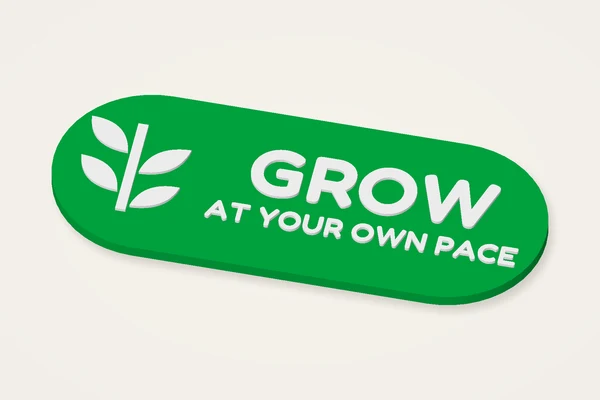
A botanical sprig beside a two-line reminder, on a soft pill-shaped plaque.
Typical size: 120 × 48 × 4 mmMake it yours ↗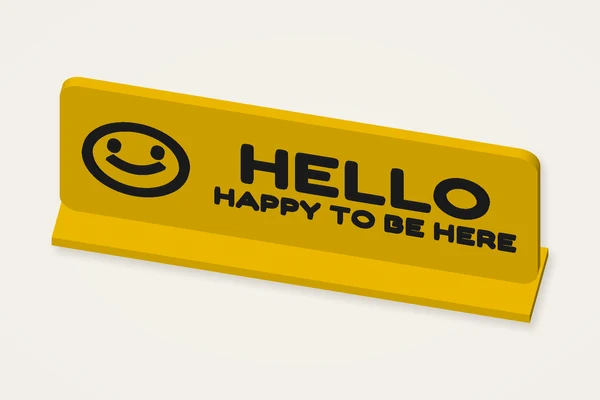
A smiley welcome for a new desk. Edit both lines.
Typical size: 120 × 22 × 51 mmMake it yours ↗
A ticket-shaped reading plaque with an open book and a personal caption.
Typical size: 120 × 48 × 4 mmMake it yours ↗CRAFT ROOMS & CREATIVE HABITS
Useful labels and measuring sets, with a little encouragement to keep making.
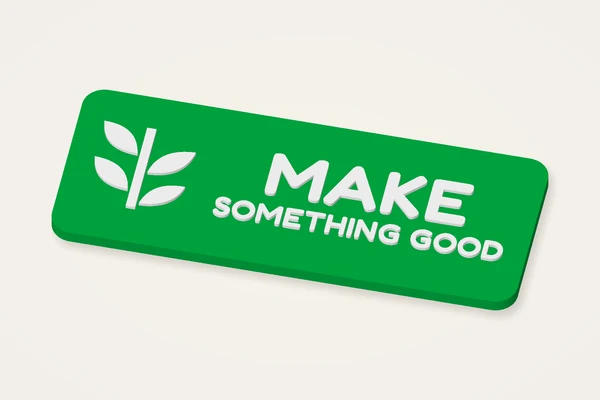
A compact studio label with leafy detail and two editable lines.
Typical size: 105 × 42 × 4 mmMake it yours ↗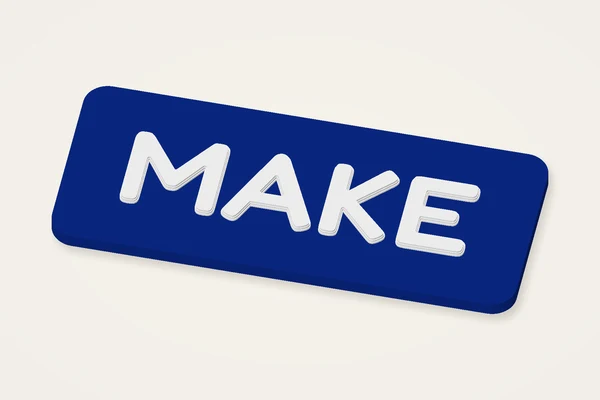
Bold stepped lettering and a quiet rounded border. Choose your own word.
Typical size: 95 × 40 × 4 mmMake it yours ↗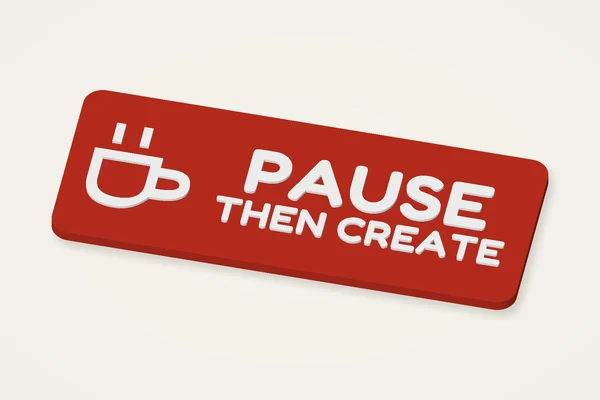
A teacup and a small reminder for your desk or shelf.
Typical size: 120 × 48 × 4 mmMake it yours ↗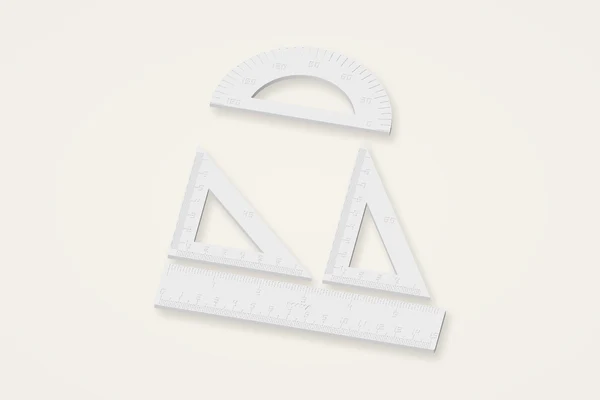
A named ruler, two set squares and a protractor. Verify the printed scale.
Typical size: 156 × 196 × 3 mmMake it yours ↗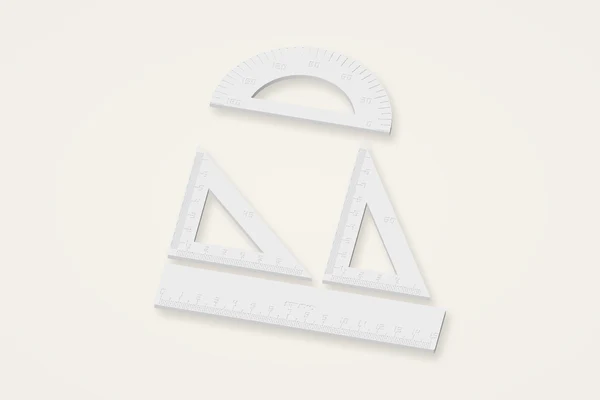
An uncluttered metric toolkit with editable lettering.
Typical size: 156 × 196 × 3 mmMake it yours ↗Keep bookmark blades thin and inspect page comfort. Standing signs need an orientation check; measuring tools need calibration against a trusted ruler.
The desk plaque maker makes a flat plaque or a standing desk sign with your words on the front. It can label a creative corner, mark a personal workspace or become a small gift. Choose a pill, oval, ticket or soft rectangle and decide how the finished sign will be displayed. A flat model does not include a mounting system. A standing model adds a connected foot but still needs a stability check on the intended surface. The download is a digital model, not a manufactured sign or an installation service.
The starting plaque is about 100 mm wide, 32 mm high and 3 mm thick. Those dimensions suit a short name better than a paragraph. If you add a second line, increase the available face height or shorten the wording before shrinking everything to tiny lettering. The little-label preset provides a smaller starting point for brief text. Look at the preview at roughly real size as well as zoomed in. A balanced design on a large monitor can become unreadable on a narrow shelf or drawer.
Raised lettering gives a clear transition above the base and can be suitable for a height-based filament change. Engraving cuts into the face while preserving a floor; it does not make a through-cut stencil. Stepped lettering changes the profile and needs its own layer review. Move text away from ticket notches and rounded edges so it is not clipped by the face. Add motifs after the words are legible. The palette is a design aid only: a downloaded STL contains geometry, without a stored colour or printer profile.
A flat plaque can often be inspected face up with its broad back on the bed. For a typical 0.4 mm nozzle, begin with a 0.2 mm layer height and three walls, then examine the actual paths and the letter transition. A standing desk sign has a vertical face and a foot; overhangs may require supports or another orientation. Think about support marks on the visible face before choosing the print arrangement. These are trial suggestions, not settings backed by a physical print test of your sign.
The width control describes the plaque, while standing depth includes the foot. Read the full export size below the preview and check your usable printer area, leaving room for adhesion aids. A long name is fitted to the face rather than automatically granting more readable space. Increasing text scale can cause clipping instead of making a wider plaque. If you scale the STL down, the foot, thickness and raised details shrink together. It is usually clearer to change dimensions in the editor and rebuild with the intended proportions.
If the sign rocks, inspect the foot for warping and confirm that the intended display surface is flat. If the first layer spreads into fine gaps, review the slicer profile before altering all of the lettering. A weak vertical face can need a different orientation, wall strategy or material. Save the design and record your physical sample dimensions once you are satisfied. Do not assume a successful short name validates a longer second line. Review each version for spelling, clipped characters and small strokes before giving the finished print to someone else.
This collection also includes two kinds of bookmark. A translucent bookmark uses a thin printed fill; an organza insert bookmark leaves cells open for fabric you add during a slicer pause. STL cannot record that pause, so inspect the layers and add the instruction yourself before printing. The ruler set has a 15 cm straight ruler, two set squares and a protractor with raised or engraved markings. Printing shrinkage changes measurements. Check against a trusted reference: these are not certified measuring tools.
Yes. Choose the standing display style, which adds a connected foot. Inspect supports, flatness and stability with a physical sample.
No. Plan and assess your own mounting method. The generated plaque is not a complete installation kit.
The words must fit the available face. Shorten the text, enlarge the plate or choose a bolder font instead of relying on very small strokes.
The STL does not assign filaments. Inspect the heights and use your slicer's supported colour-change workflow only where the geometry permits it.