
A name for a room, a number for a party or a word for your creative corner. These are printable shells and loose diffusers.
Rendered from the downloadable model · Edit in your browser · Physical print checks pending
PERSONAL ROOMS & SHELVES
A bold initial or a short name, with a matching loose diffuser.

A bold initial shell and separate inset diffuser. Choose their letter.
Typical size: 106 × 184 × 22 mmMake it yours ↗
A short-name lightbox shell with sleepy-moon details on its diffuser.
Typical size: 221 × 127 × 16 mmMake it yours ↗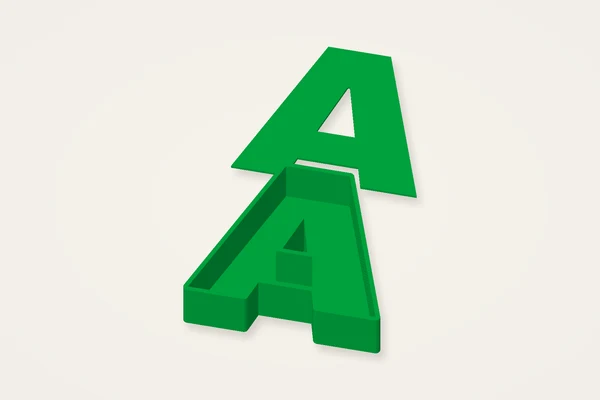
A compact initial shell with its matching loose diffuser.
Typical size: 87 × 164 × 22 mmMake it yours ↗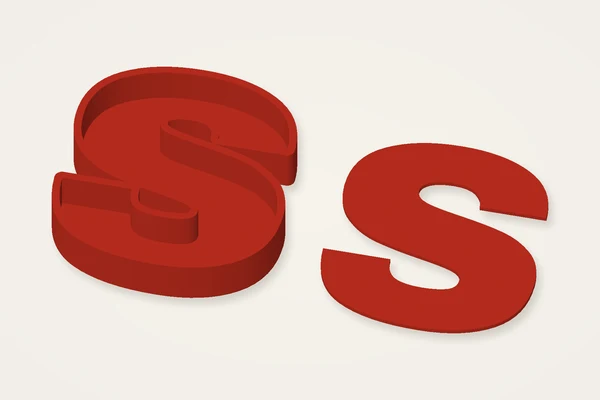
A small bold letter for a shelf project. Add suitable hardware separately.
Typical size: 126 × 66 × 12 mmMake it yours ↗BIRTHDAYS & PARTY DISPLAYS
Build the initial or age that belongs to this celebration.
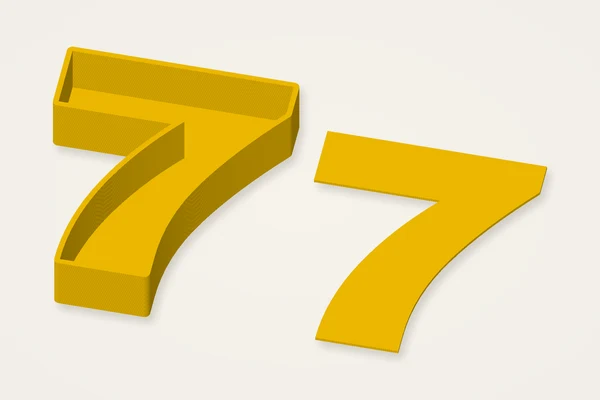
A large birthday numeral and loose diffuser, both in the download.
Typical size: 174 × 99 × 22 mmMake it yours ↗
Edit and download one party initial at a time.
Typical size: 155 × 90 × 22 mmMake it yours ↗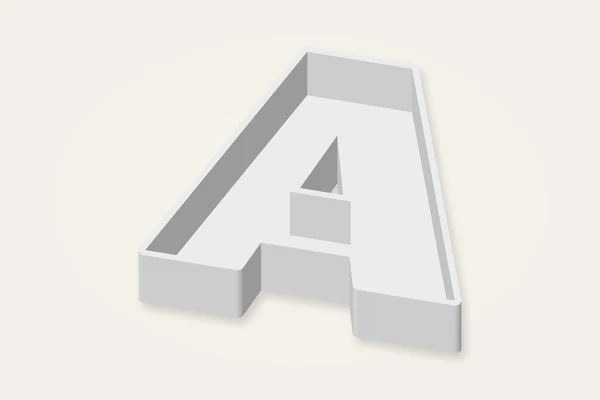
An open initial shell for exploring your own assembly, without a diffuser.
Typical size: 98 × 89 × 22 mmMake it yours ↗CREATIVE CORNERS
A favourite word or a cheerful pattern for a project that starts on your workbench.
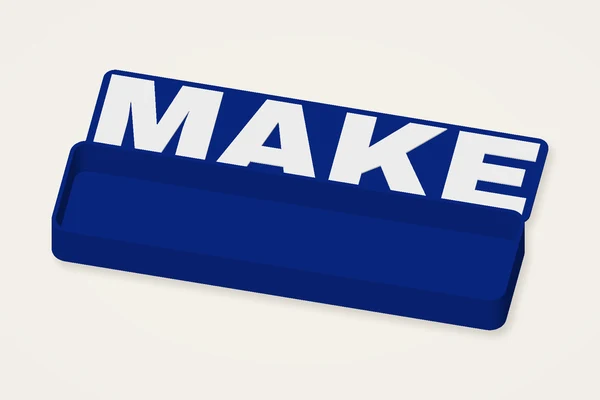
A rounded word enclosure and separate lettered diffuser.
Typical size: 219 × 120 × 22 mmMake it yours ↗
Three bold letters on a shared rounded enclosure.
Typical size: 186 × 144 × 22 mmMake it yours ↗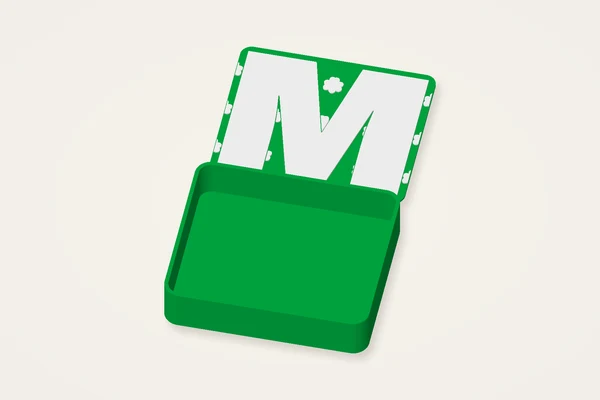
An initial surrounded by real raised flower details on the loose diffuser.
Typical size: 102 × 180 × 22 mmMake it yours ↗Lighting hardware, electronics, cable routing and retention parts are not included. Test diffuser fit and hardware suitability before creating a lit assembly.
The lamp shell maker makes letter-shaped shells or rounded word boxes with optional loose diffuser inserts. The download has no LEDs, wiring, power supply, connectors or electrical design. It does not turn a print into an assessed lighting product. You can use the shell as a decorative object without illumination, or separately plan an appropriate lighting assembly. Keep that distinction in mind when choosing dimensions. The digital preview shows surface geometry and illustrative colours; it is not a prediction of brightness, light diffusion or operating temperature.
A bold capital letter gives the cavity more useful space than a delicate outline. The tool accepts up to eight letters or numbers, but a longer word can grow far beyond a small printer's bed. Try one letter first. The default shell is about 85 mm high with a 22 mm depth and a 2 mm wall. A rounded lightbox keeps a short word together on a broader plaque. Separate outline letters may remain separate pieces, so inspect the export before assuming a word is one connected object.
The optional diffuser is a thin inset piece exported beside the shell. Clearance reduces its outline relative to the cavity; the default is a starting point rather than a calibrated press fit. The insert is loose and has no automatic fastening system. Measure the printed opening before selecting an attachment method. Decoration belongs on the diffuser, so enable it before adding motifs. A word-box design can include raised lettering as another named part. Preserve those layers' relative position when inspecting a multipart file in a slicer.
A shell needs continuous wall paths and a sound floor. For an initial 0.4 mm nozzle experiment, try a 0.2 mm layer height and inspect how the slicer fills the 2 mm walls. Print orientation changes where supports might be needed. The thin diffuser deserves a separate layer review; too few layers or a poor first layer can affect flatness. These are settings to test with your own machine, not a validated profile. Choose materials and any lighting hardware according to their actual requirements and avoid assuming printed plastic tolerates heat.
The shell and diffuser are arranged along the axis that reduces the longest side of their combined footprint. Their separate placement is intentional: it allows both to reach the bed without overlapping. Read the full model dimensions rather than only the letter-height control. The printer-fit warning appears above 220 × 220 mm, but smaller machines still need their own check. Allow space for a brim. Splitting the loose diffuser in a slicer can be better than scaling the entire assembly, since scaling also changes wall thickness and clearance.
If a diffuser fails to form, choose a bolder font, enlarge the letter or reduce an excessive clearance. If narrow cavities disappear, compare their sliced paths with the mesh. Long word boxes can curl; reduce the size and examine bed adhesion before repeating them. Multiple loose letters need independent support and mounting decisions. Save the settings for the shell and insert together so you do not accidentally pair different revisions. Test fit without force. An acceptable mesh or a tidy shell does not establish the safety of any electrical assembly placed inside it.
Letter lamps follow the outline of their characters. A word light box instead surrounds the lettering with a common rounded enclosure, which can make a short word easier to assemble. The name night light starts with a shallow box and a personal name. These three choices remain plastic shells only. None includes electrical parts or a verified heat-safe lighting assembly. Edit and download each lamp individually; full batch ZIP export is unavailable.
No. It generates shells and optional loose diffuser inserts only. Lighting hardware, wiring, power and attachment must be planned separately.
The parts are laid out separately for printing. The export chooses a compact direction; you can split and rearrange separate pieces in a slicer.
Yes, within the eight-character limit. Use the rounded word-box style for a shared enclosure and inspect the complete bed footprint.
No. It is a loose inset with adjustable clearance. Print a sample and decide on a suitable attachment after measuring the real parts.