
Finishing a book, being a kind friend or crossing a finish line: make the award as personal as the achievement.
Rendered from the downloadable model · Edit in your browser · Physical print checks pending
READING & LEARNING MILESTONES
Celebrate the effort, the finished chapter and the next brave step.

A book illustration and two editable lines for a reading milestone.
Typical size: 76 × 76 × 4 mmMake it yours ↗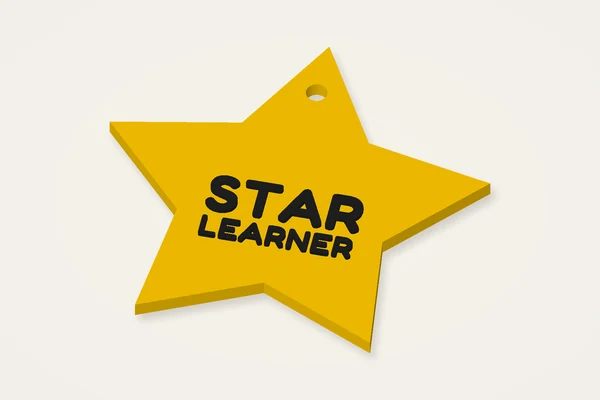
A star-shaped badge for a learner’s name or short achievement.
Typical size: 72 × 69 × 4 mmMake it yours ↗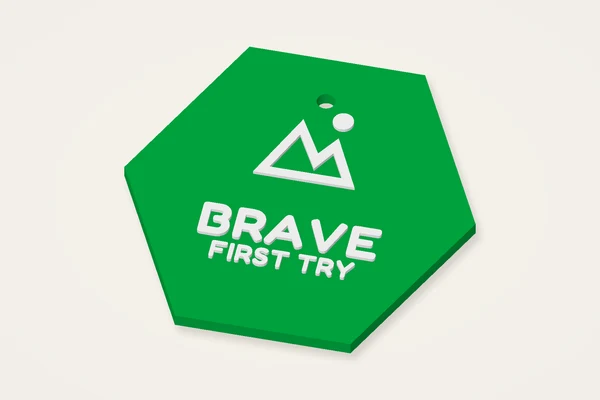
A mountain badge to celebrate trying something new.
Typical size: 76 × 76 × 4 mmMake it yours ↗KINDNESS & EVERYDAY ENCOURAGEMENT
A little thank-you for showing up, helping out or making someone smile.
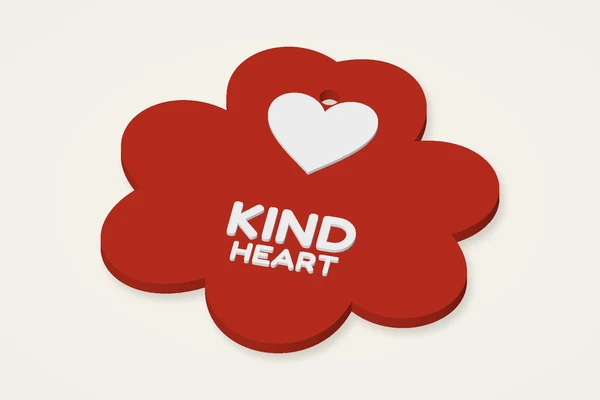
A petal-shaped award with a heart and a personal thank-you.
Typical size: 76 × 76 × 4 mmMake it yours ↗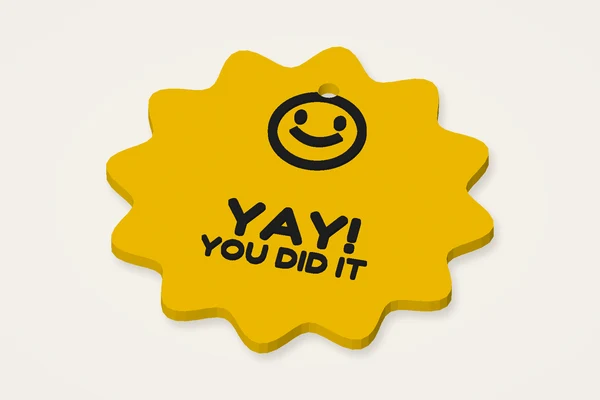
A scalloped smiley medal for an everyday victory.
Typical size: 76 × 76 × 4 mmMake it yours ↗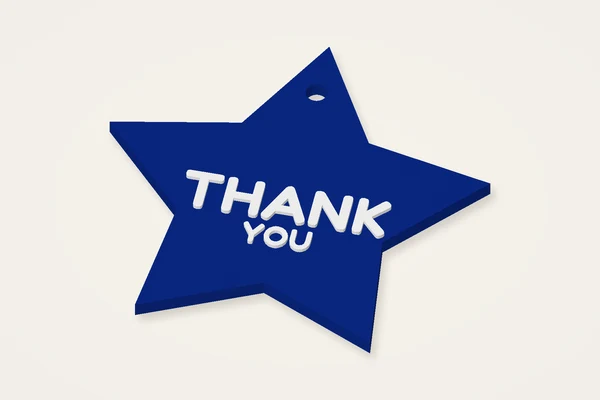
Two bold words on a star. Replace them with your own short message.
Typical size: 72 × 69 × 4 mmMake it yours ↗GAME DAYS & GROUP CELEBRATIONS
A winner’s moment, a team effort or a new personal best.
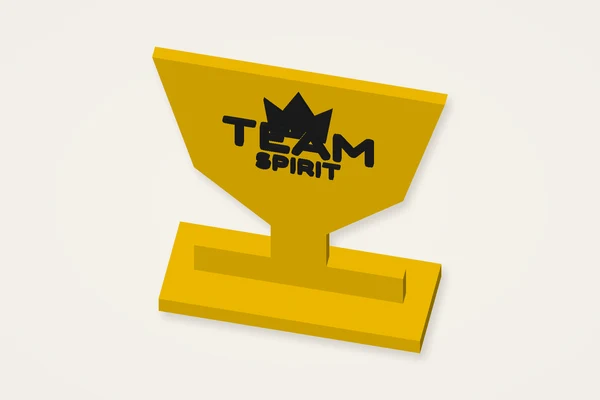
A crown above two short lines on a standing trophy.
Typical size: 64 × 22 × 72 mmMake it yours ↗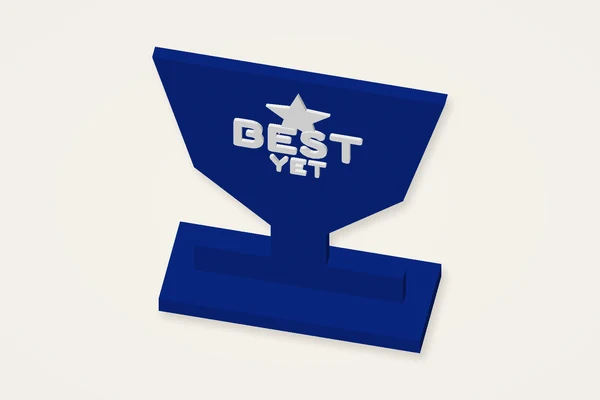
A standing keepsake for a new personal best.
Typical size: 64 × 22 × 72 mmMake it yours ↗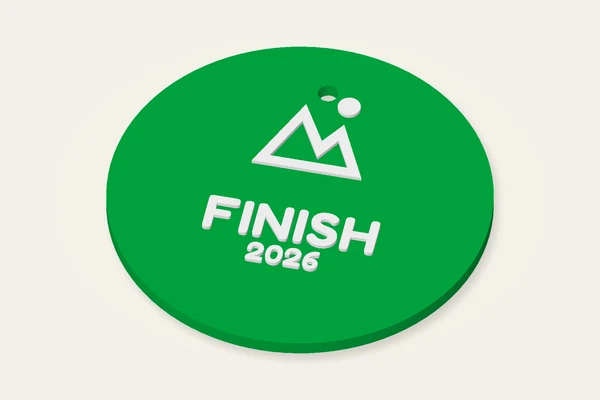
A round mountain medal for a walk, run or family challenge.
Typical size: 76 × 76 × 4 mmMake it yours ↗Decorative awards, without ribbon or pin hardware. Standing trophies need an orientation and support check in your slicer.
A finished book, a first bike ride or a friendly game can deserve a small award. The trophy and medal maker lets you make a medal, star badge, decorative trophy or a softer flower-shaped celebration. Begin with what the recipient achieved and choose a short phrase that will still read on a small object. A personal message often does more than a crowded face of symbols. The editor supplies digital geometry only. Ribbon, pin hardware, adhesives and a finished printed award are not included with the download.
The round medal starts near 64 mm with a 3 mm body and raised lettering. Flat badges offer a broad contact area for a first slicing experiment. The standing trophy rotates the award face upright and connects it to a foot, so its printing needs differ from those of a flat medal. Inspect the base and overhangs in a side view before choosing an orientation. A ribbon hole is available for medals and badges; it is not used for the standing trophy. Measure your ribbon separately.
Try a name on the first line and a short achievement on the second. Available space varies with the outline: a star has less uninterrupted central area than a round medal. If the text becomes clipped or too narrow, shorten the message before increasing the overall size. The Text controls let you move, rotate and scale the words. Raised lettering can support a height-based colour change; engraving produces a recess in the face. Neither effect automatically chooses filament or guarantees readable strokes at the final printing scale.
For a flat award with a typical 0.4 mm nozzle, a 0.2 mm layer height and three walls are useful starting settings to inspect. Check the first layer around star tips and the hole, then examine the text transition. A standing trophy may need supports depending on orientation, material and slicer. Look at where supports would touch the visible face and base before accepting them. These are trial settings rather than a tested print profile. A mesh that passes software checks still needs a physical sample.
Bigger is not always easier to give or wear. Read the complete width and depth under the preview and compare them with your printer's usable bed. Leave room for adhesion aids. Changing text size should not require enlarging a wearable medal beyond a sensible scale. If you resize the whole STL, the ribbon hole and body thickness change too. For a standing piece, check the footprint and stability on its intended surface. The model is decorative and is not a load-bearing fixture or a certified children's accessory.
A curling point may need a less demanding outline, better adhesion or different cooling. If the ribbon rubs against a rough hole, inspect and test the finished edge rather than assuming the preview describes its feel. Thin engraved strokes can close up; widen the lettering or reduce its complexity. A trophy that rocks needs a flat, sound foot and a stability check. Save the design settings before making variations so every name receives the same deliberate review. Plan enough time for one small trial and any correction before printing the final award.
Yes. Choose a flat medal or badge outline, or the standing trophy style. Check the different orientation and support needs in your slicer.
No. Downloads contain geometry only. Supply suitable hardware and assess its attachment to the finished object.
For suitable raised designs, inspect the sliced text layers and use a supported filament change. STL itself contains no colour assignments.
Lettering is clipped to the actual award face. Reduce its scale, move it inward or shorten the wording, especially on narrow star shapes.